Occlusion
The hand covers what it touches, which is why feedback appears above the finger.

The hand hides the thing it touches, so the result of a tap has to appear above the finger.
The finger is also an obstacle
When a fingertip lands on a screen, it covers roughly a square centimetre of glass — and everything underneath it disappears. This is occlusion: the hand blocks the very point it is trying to interact with. On a mouse-driven interface, the cursor is a precise, nearly invisible pointer, and the pixel it selects stays visible throughout. A finger is none of those things.
The consequence is that feedback cannot live at the point of contact. If a button highlights under the finger, the player never sees it. So mobile interfaces move the response upward — above the thumb, above the palm, into open air.
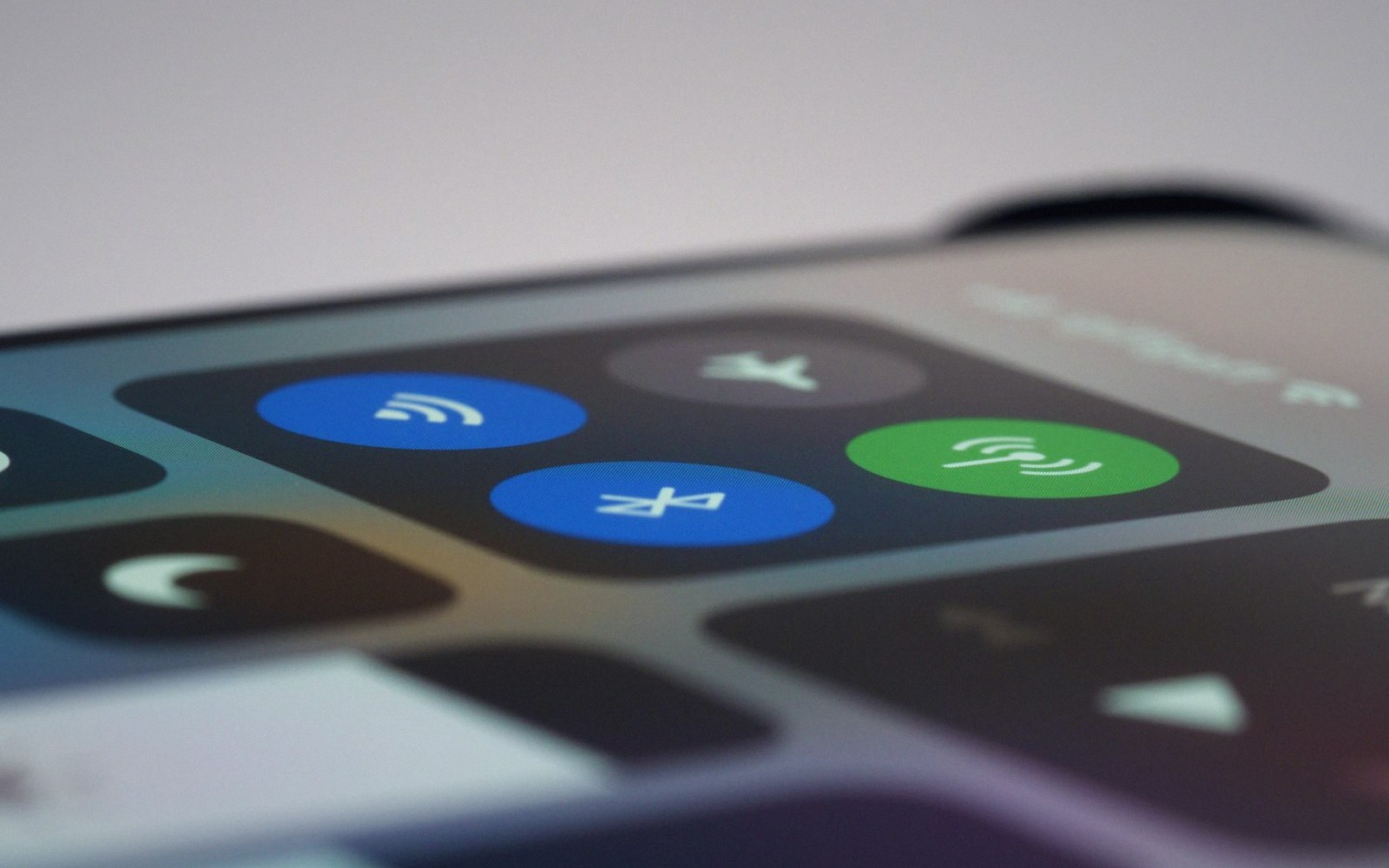
Controls at the bottom edge are the easiest to reach and the hardest to see in use.
Photo: Brett Jordan / Pexels
A ripple effect, a character animation, a score pop — all of these float above the touch point rather than at it. This is not decoration; it is the direct answer to a physical constraint.
Keyboard interfaces on touchscreens make the problem explicit. Every mobile keyboard places the character preview in a bubble that rises above the pressed key, because the letter itself is hidden by the fingertip the moment contact is made. The same logic governs game controls: virtual joystick feedback, drag handles, swipe trails — they are all designed to live where the hand is not.
Physical facts
Lifted out of the flow
- Fingertip contact area — roughly 1 cm²; covers multiple pixels at any resolution
- Feedback placement — must appear above the touch point to remain visible
- Visual target vs. hit target — the tappable area and the visible indicator are not coextensive
Occlusion also shapes where interactive elements are placed in the first place. A control that sits at the very bottom edge of the screen is partially obscured by the hand even at rest. Elements that appear at the top of a tap zone, or that animate upward on press, are working around the geometry of the grip.
Touch target sizing standards from Apple and Google both account for the fact that the visual target and the hit target are not the same thing: the visible element needs enough space around it so that feedback can escape the hand.
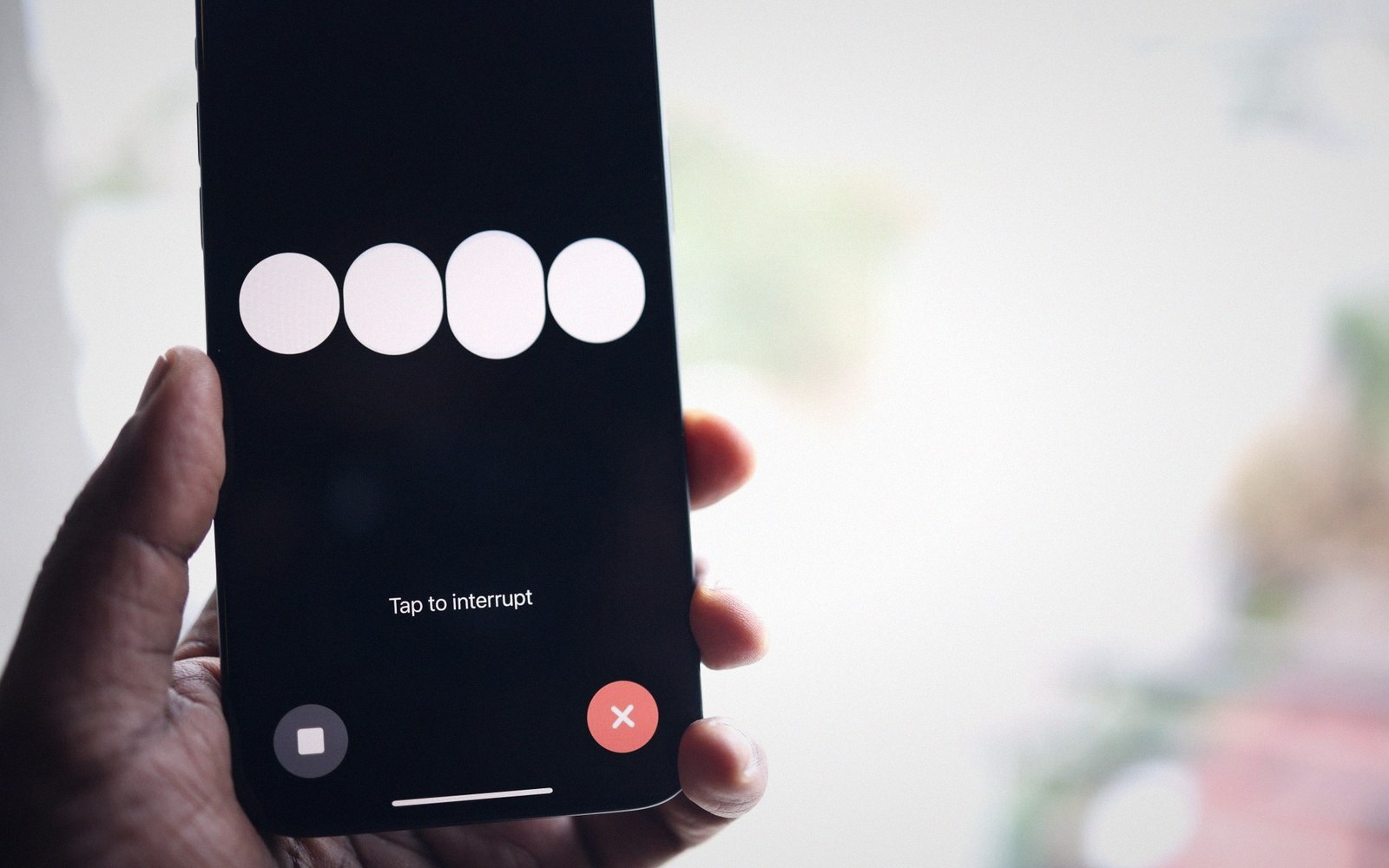
Feedback rises out of the thumb’s shadow, or it is not feedback at all.
Photo: Solen Feyissa / Pexels
The problem is worse for left-handed players, for larger phones, and for any control placed near the natural resting position of a thumb. Designers who test only on a desk, tapping with an index finger, often miss it entirely — the grip that occludes is the one-handed commuter grip, not the laboratory grip.
Understanding occlusion is partly about where feedback goes, and partly about what the screen looks like from behind a hand. The discipline is to design every tap as if the finger were opaque — because it is.
Feedback floats upward — ripples, pops, previews all placed above the finger